
Registration Review for Olympia
An account with the platform opens access to slots, live dealer tables and sports betting for players in Australia. The registration form asks for an email address or mobile number, a password and basic personal details, with the currency fixed at that step. Once signed in, a player reaches the cashier, bonus balance and account settings from one dashboard. Verification, triggered before a first withdrawal, asks for proof of identity and address under rules against money laundering, and it does not guarantee that a payout gets approved. The flow matches across the website and the Olympia app, support runs through live chat and email, and new players can claim 100% up to 10,000 AUD plus 75 Free Spins on casino, or 100% up to 1,000 AUD on live casino.
100% up to 10,000 AUD +75 Free Spins

How This Review Was Put Together
This assessment draws on the operator’s public registration form, its terms and conditions, verification and privacy pages, bonus terms and the support channels listed on its website, along with Olympia’s licence record. The platform publishes its age and residency rules, its bonus wagering terms and its account closure options inside the terms, but it does not disclose a fixed turnaround time for document checks or a full list of accepted verification documents beyond the general categories named on its help pages. Registration forms, required documents and processing times change over time, so every detail on this page reflects the information available at the time of writing. Readers should confirm current requirements directly on Olympia’s site before signing up. This page may earn commission through the links it contains, and that arrangement does not change the assessment above.
How to Sign Up at Olympia
The registration form on the platform asks for an email address, a mobile number, a password and a currency choice on one screen, plus a promo code field where a new account qualifies for one. A player also sets a preferred currency at this step, and that choice usually cannot be changed after the account is created. Olympia registration online takes only a few minutes once these details are ready, and the same process opens a new account for both casino and sports betting.
- Open the official Olympia site through the button on this page.
- Select Register or Sign Up, then choose email or mobile number registration.
- Enter a password, set the account currency to Australian dollars, and add a promo code if available.
- Confirm the date of birth and residential address requested on the form.
- Submit the form and confirm the account through the email link or SMS code sent.

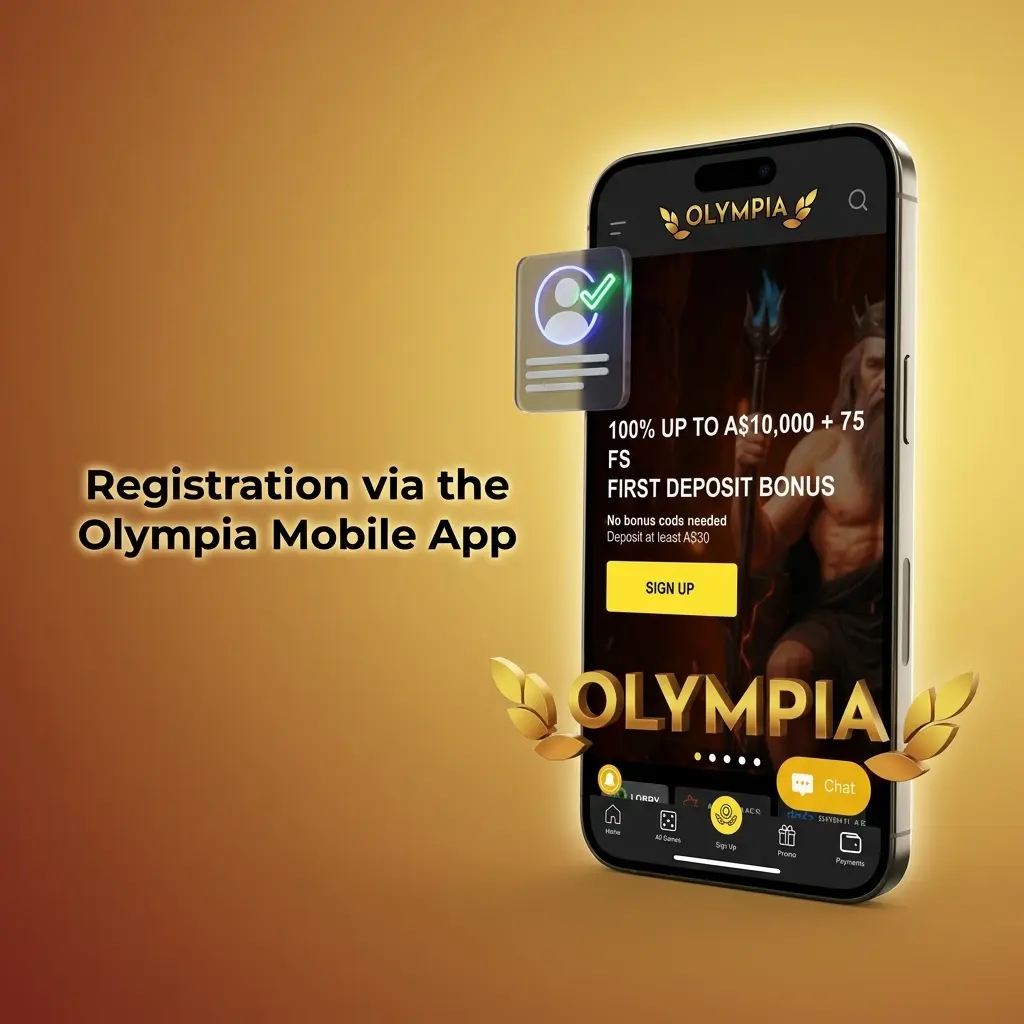
Registration via the Olympia Mobile App
The Olympia app splits the registration form across two or three screens instead of one continuous page, and it separates the password and currency fields from the personal details screen. The promo code box appears on a confirmation screen once the initial details are submitted, rather than alongside the main form as on the website.
- Open the official Olympia site through the button on this page to reach the app download link, or launch the app if it is already installed.
- Tap Register and choose email or mobile number registration.
- Enter a password and confirm the account currency.
- Add a promo code on the following screen if one applies.
- Verify the account through the SMS code or email link sent to the details provided.
Key Registration Requirements at Olympia
Olympia’s terms set out who can create an account and what the registration process requires. Applicants provide a legal name, date of birth, residential address and contact details that later need to match the identification requested during verification.
- Minimum age. Players must be at least 18, the legal gambling age in Australia.
- One account per person. The terms restrict each individual to a single account, and duplicate accounts on one identity may be closed.
- Matching payment details. The name on any deposit or withdrawal method must match the name on the account.
- Document requests. The operator reserves the right to request identity or address documents at any point, not only before a first withdrawal.
- Residency restrictions. Some jurisdictions are excluded from registration under the terms, though a full list of restricted countries is not detailed on the public registration page.
The Olympia Account Verification Process Explained
Verification confirms the identity of the person opening an account, a check required under rules against money laundering rather than an optional add-on. It is typically triggered before a first withdrawal or once deposits or withdrawals pass a set threshold, and completing it does not guarantee that a withdrawal request will be approved.
- Open the official Olympia site through the button on this page and go to the account or cashier settings.
- Upload a valid passport, driver licence or national identity card as proof of identity.
- Upload proof of address dated within the last three months, such as a utility bill or bank statement, where requested.
- Submit documents in colour and fully visible, since a cropped, blurred or expired document is a common reason for rejection.
- Wait for confirmation from the verification department, since an exact review timeframe is not published on the site.

How to Log In to an Olympia Account
Access to an account uses the same login method chosen at registration, either an email address or mobile number paired with the password. A second verification step is available where a player has switched on this option in account security settings.
- Open the official Olympia site through the button on this page.
- Select Login or Sign In at the top of the page.
- Enter the registered email or mobile number and the account password.
- Complete the additional verification code if this option is switched on.
- Access the dashboard, cashier and bonus balance once signed in.
A player can regain access to an account locked after repeated failed attempts by contacting support via live chat or email.
How to Recover an Olympia Password
A player who cannot access an account can reset the password directly from the login page, without needing to contact support for the password itself. Support never asks for a full password by phone, chat or email.
- Open the official Olympia site through the button on this page and select Forgot Password.
- Enter the registered email address or mobile number linked to the account.
- Follow the reset link sent by email, or enter the SMS code sent to the registered number.
- Create a new password that meets the minimum security requirements.
- Log in with the new password and contact support if the reset link or code does not arrive.
Common Registration Issues and Solutions
New players most often run into a handful of predictable snags when opening an account, usually tied to a detail already on file elsewhere or a mismatch with the terms. Live chat and email support can address anything beyond the issues below.
| Problem | Solution |
|---|---|
| Email already registered | Use the password recovery option instead of creating a new account with the same address. |
| Mobile number rejected | Check the number includes the Australian country code, +61, with no spaces. |
| Promo code not accepted | Confirm the code matches an active offer for new accounts and was entered at registration, since most codes cannot be added afterward. |
| Name mismatch with payment method | Update the account name to match the identity document before adding a payment method under a different name. |
| Residency restriction shown | Confirm the state or territory of residence is eligible under the terms before resubmitting the form. |
Welcome Bonuses for New Olympia Players in Australia
The 100% up to 10,000 AUD plus 75 Free Spins for casino gives new players extra betting credit and spins on slots, while the 100% up to 1,000 AUD for live casino applies the same match structure to live dealer tables. Both offers carry a wagering requirement before any bonus funds convert to a withdrawable balance, which suits a player planning a longer session rather than a single quick deposit.
| Offer | Section | Bonus | Minimum Deposit | Wagering | Validity |
|---|---|---|---|---|---|
| Casino Welcome Bonus | Casino | 100% up to 10,000 AUD + 75 Free Spins | Not published on the general promotions page | Set out in the bonus terms, multiplier not published on the general promotions page | Not published on the general promotions page |
| Live Casino Welcome Bonus | Live Casino | 100% up to 1,000 AUD | Not published on the general promotions page | Set out in the bonus terms, multiplier not published on the general promotions page | Not published on the general promotions page |
The condition most likely to catch a new player out is the wagering requirement attached to the bonus funds, since it applies before any bonus balance becomes withdrawable.

How to Close an Olympia Account
A player might close an account for a short break, a longer self-exclusion, or a permanent shutdown, and each option carries a different level of reversibility. A cooling-off period is typically temporary, self-exclusion locks the account for a period not detailed in exact terms on the public help pages, and permanent closure is usually irreversible, so any remaining balance should be withdrawn beforehand.
- Open the official Olympia site through the button on this page and go to account settings or responsible gambling tools.
- Choose the appropriate option, cooling-off, self-exclusion or permanent closure, and confirm the request.
- Withdraw any remaining balance before the closure takes effect, since funds may become inaccessible afterward.
- Contact support directly if the closure option needed is not visible in account settings.
Independent support organisations, separate from the operator, are also available to players seeking help with gambling behaviour.
Account Onboarding at Olympia: Strengths and Weak Points
The onboarding process treats a new player in Australia to a short registration form and a bonus offer available right after registration, though a few gaps appear once verification and account management come into play.
Strengths
- Fast initial registration. The form fits on one screen and asks for a handful of fields;
- Bonus available at registration. New players can enter a promo code for the casino or live casino welcome offer during registration itself;
- Consistent flow across devices. The steps to register and verify follow the same order on the website and in the app;
- Multiple contact routes for account issues. Live chat and email support are both listed for account queries.
Weak points
- Currency locked at registration. The currency chosen during registration cannot be changed later, which affects players who later prefer a different currency;
- No published verification turnaround. An exact review time for identity and address documents is not stated on the public pages;
- Verification triggered late. Documents are typically requested before a first withdrawal rather than at registration, which can delay access to funds already won;
- Closure handled through support in some cases. Certain closure options may require contacting support rather than a single toggle in account settings.
Verdict on the Olympia Onboarding Process
The path from opening an account to reaching a status ready for withdrawals is straightforward at the front end and slower toward the back end. Registration itself takes only a handful of fields and a currency choice, and the welcome offers, 100% up to 10,000 AUD plus 75 Free Spins on casino, or 100% up to 1,000 AUD on live casino, are available from the moment an account is confirmed. Delays appear later, once verification is triggered before a first withdrawal and a player is asked for documents that were not required at registration.
Two things help before starting. A valid photo ID and a payment method held in the same name as the account should be ready before registration, since a name mismatch is one of the more common hold-ups described above. A currency choice made at registration should also be treated as final, given that it typically cannot be changed afterward.
Set deposit limits before the first deposit, and keep play within a budget decided in advance.

FAQ
Can a registered email or phone number be changed after sign-up?
Contact support to update these details, since both are tied to the identity check completed during verification.
Does a demo or practice mode exist before depositing?
A number of slots can be tried in a free practice mode without a deposit, though live dealer tables and sports betting require a funded account.
Can a withdrawal be requested before verification is complete?
Verification is generally required before a withdrawal is processed, since it satisfies the identity check required under money laundering rules.
What happens if the name on a payment method does not match the account name?
The transaction is typically declined or held until the account name and the payment method name match, since this is one of the checks applied during processing.
How long is account data kept after closure?
Closed account data is generally retained for the period required under financial and gambling record-keeping obligations, though an exact retention period is not published on the site.
Updated: